
When I first started working on website optimization, I underestimated how deeply speed affects everything, SEO rankings, user behavior, and even conversion rates. I thought design and content were enough. But over time, I noticed a pattern: even the best content performs poorly if the page loads slowly.
Website speed is not just a technical metric. It is a real-world experience that decides whether a visitor stays or leaves in the first few seconds.
In simple terms, website performance refers to how fast and smoothly a webpage loads and responds. Search engines like Google now use performance signals as ranking factors, especially through systems like Core Web Vitals.
These signals measure how users experience your site in real time, not just how it looks in a developer tool.
Overview (Simplified and Integrated for Real Use)
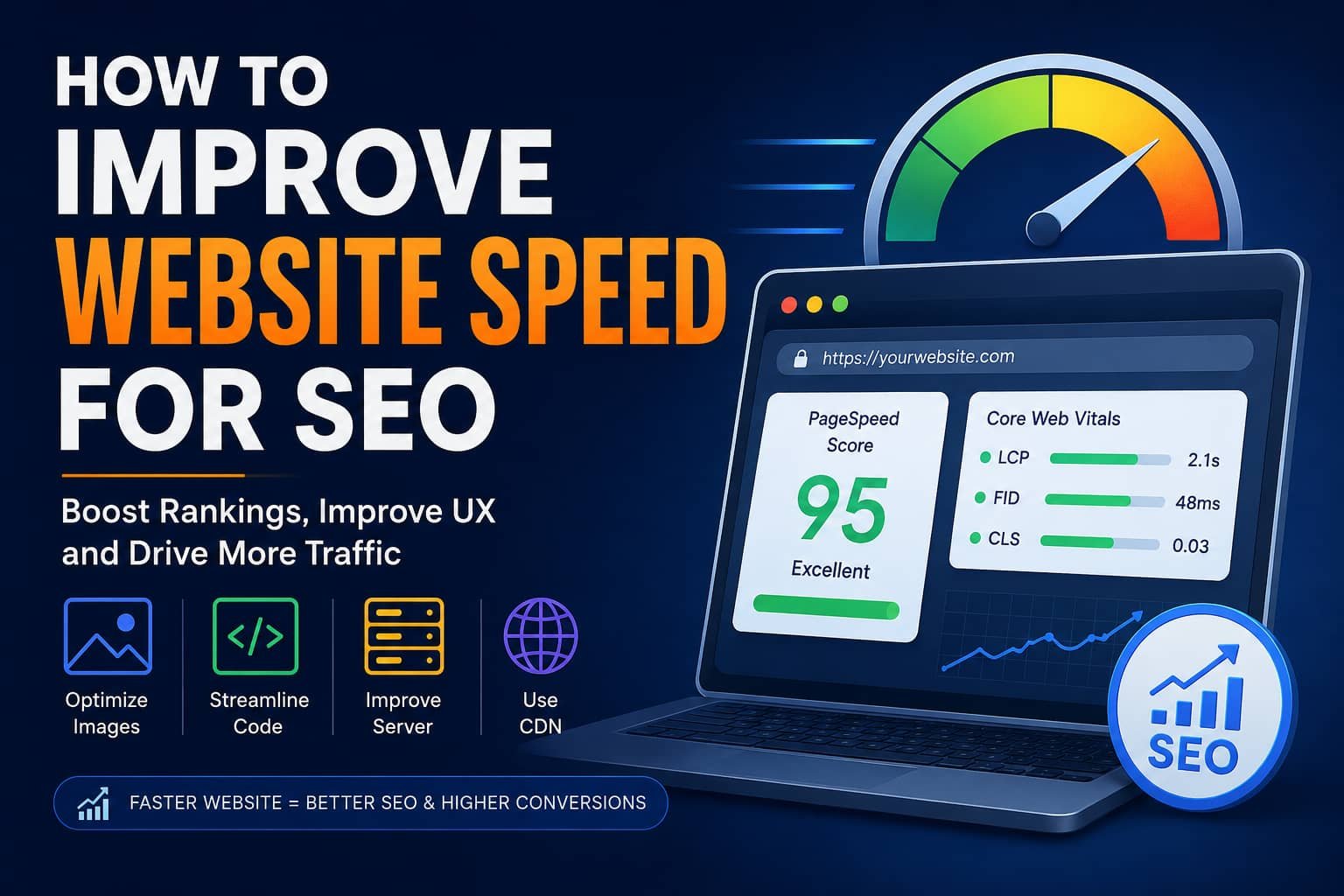
From my experience analyzing multiple slow websites, most performance issues come from a few predictable areas. If you fix these, you usually see immediate improvement in both SEO and user experience.
Here is a simplified breakdown of what actually matters:
1. Resource Optimization
- Large images and uncompressed media slow down loading significantly
- Using modern formats like WebP or AVIF reduces file size without losing quality
- Lazy loading ensures images load only when needed
2. Code Efficiency
- Heavy or messy code increases browser processing time
- Minifying HTML, CSS, and JavaScript removes unnecessary characters
- Deferring non-critical scripts improves initial page rendering speed
3. Server Performance
- Slow hosting increases Time to First Byte (TTFB), delaying everything
- Upgrading to better hosting (VPS or cloud) improves stability and speed
- Proper caching reduces repeated server requests
4. Content Delivery Optimization
- A Content Delivery Network (CDN) distributes files globally for faster access
- Tools like Cloudflare help reduce latency by serving content from nearby servers
5. Continuous Monitoring
- Tools like Google PageSpeed Insights help track real performance issues
- Metrics like LCP and CLS should be regularly tested and improved
This is the foundation I personally follow before doing advanced optimizations.
How to Measure Website Speed (Before Making Any Changes)
One mistake I made early on was optimizing blindly without measuring performance first. That never works.
To improve speed, you must first understand where the problem is coming from.
Here are the tools I consistently rely on:
1. Google Lighthouse
Google Lighthouse helps analyze performance, accessibility, and SEO in one report.
It shows:
- Render blocking issues
- Slow-loading assets
- Performance score breakdown
2. Core Web Vitals
These are user-centric performance signals used by Google to evaluate page experience:
- Largest Contentful Paint → How fast the main content appears
- First Input Delay → How quickly a page reacts to user actions
- Cumulative Layout Shift → How stable the page layout is during loading
These three metrics are extremely important for SEO rankings.
3. Cloud-based Testing Tools
I also use:
- Cloudflare Observatory for real-world performance insights
- WebPageTest for advanced waterfall analysis
These tools show how every request behaves during loading.
Read More: How can I easily redact a PDF at home?
Why Website Speed Directly Impacts SEO (Real Insight)
From what I’ve observed, slow websites don’t just frustrate users, they lose rankings.
Here’s what happens when your site is slow:
- Users leave before content loads (high bounce rate)
- Google reduces visibility due to poor Core Web Vitals
- Conversion rates drop significantly
- Crawl efficiency decreases for search engines
Speed is not just a technical issue—it is a business performance factor.
Core Web Vitals Explained (In Simple Terms That Actually Make Sense)
When I first studied Core Web Vitals, I realized they are basically a way of measuring “real user experience.”
Largest Contentful Paint (LCP)
If your main content loads slowly, users feel your site is broken—even if it isn’t.
To improve it:
- Compress images
- Use faster hosting
- Reduce render-blocking scripts
First Input Delay (FID)
This measures how fast your site reacts when users click something.
To improve it:
- Reduce heavy JavaScript execution
- Break large scripts into smaller parts
- Use async loading for non-critical scripts
Cumulative Layout Shift (CLS)
This is about visual stability.
I’ve seen websites where buttons move while loading, it destroys user trust.
To fix it:
- Set image dimensions in advance
- Avoid injecting content dynamically above existing elements
Best Ways to Improve Website Speed (Step-by-Step)
This is the section where most real improvements happen.
1. Optimize Images and Media (Biggest Win)
In my experience, images are the number one cause of slow websites.
Fix it by:
- Compressing images before upload
- Using modern formats like WebP or AVIF
- Keeping hero images under 150–300 KB
- Adding lazy loading to off-screen images
This alone can improve load time dramatically.
2. Reduce and Clean Up Code
Heavy code slows everything down.
What works:
- Minify CSS, JavaScript, and HTML
- Remove unused scripts and plugins
- Avoid loading unnecessary libraries
Less code = faster rendering.
3. Limit HTTP Requests
Every element on your page makes a request.
Too many requests mean:
- More server trips
- Slower loading time
Combine files when possible and remove unnecessary assets.
4. Enable Browser Caching
Caching is one of the easiest wins.
When enabled:
- Returning users load your site faster
- Static files are stored locally in the browser
This is configured using cache-control headers.
5. Remove Render-Blocking Scripts
Some scripts load before your content appears, delaying everything.
Solution:
- Use async or defer attributes
- Load non-essential scripts after main content
6. Reduce Redirect Chains
Redirects slow everything down.
I always recommend:
- Avoid unnecessary redirects
- Audit old URLs regularly
- Keep URL structure clean
7. Minify CSS and JavaScript
Minification removes:
- Spaces
- Comments
- Unnecessary characters
Even small improvements add up at scale.
Infrastructure Improvements That Make a Huge Difference
Even perfect code cannot fix a bad server.
Hosting Matters More Than People Think
Slow hosting = slow everything.
Upgrade options:
- Shared hosting → VPS → Cloud hosting
Better hosting reduces Time to First Byte significantly.
DNS Optimization
DNS translates domain names into IP addresses.
A slow DNS increases initial load time.
Improve it by using fast DNS providers instead of default hosting DNS.
Use a CDN for Global Speed
A Content Delivery Network (CDN) stores your website content in multiple global locations.
This reduces distance between user and server.
A major example is Cloudflare, which provides:
- CDN distribution
- Security filtering
- Caching optimization
Security Also Affects Speed
Many people ignore this, but it matters.
Attacks like DDoS attack can slow down or crash websites.
That’s why performance and security go hand in hand.
My Personal Experience With Website Speed Optimization
When I optimized my first large website, I didn’t expect much from small changes. But after:
- Compressing images
- Removing unnecessary scripts
- Enabling caching
- Adding CDN support
I saw:
- Faster load times
- Better Core Web Vitals scores
- Increased organic traffic
- Lower bounce rates
The biggest lesson I learned is this:
Website speed improvements are rarely about one big fix. They come from multiple small optimizations working together.
Conclusion:
Improving website speed for SEO is not a one-time task, it is an ongoing process.
If I had to summarize everything into simple priorities, it would be:
- Optimize images first
- Reduce unnecessary code
- Use caching effectively
- Implement a CDN
- Continuously monitor performance
When these elements work together, your website becomes faster, more stable, and more visible in search engines.
At the end of the day, speed is not just a technical metric, it is the first impression your website makes.