
I’ll admit it—I didn’t always pay much attention to website speed.
Years ago, I built a small blog that looked fantastic (or at least I thought it did). It had beautiful images, fancy animations, and every plugin I could find. Then I checked how long it took to load.
Almost six seconds.
At first, I was skeptical that a few extra seconds could really matter. But after optimizing the site, the difference was incredible. Pages loaded almost instantly, visitors stayed longer, and organic traffic gradually improved. That experience taught me something every website owner should know: speed isn’t just a technical metric—it’s part of the user experience.
Studies from Google consistently show that users expect websites to load quickly, and even small delays can increase bounce rates and reduce conversions. Fast websites also have a better chance of performing well in search results because page experience is one of many factors search engines consider.
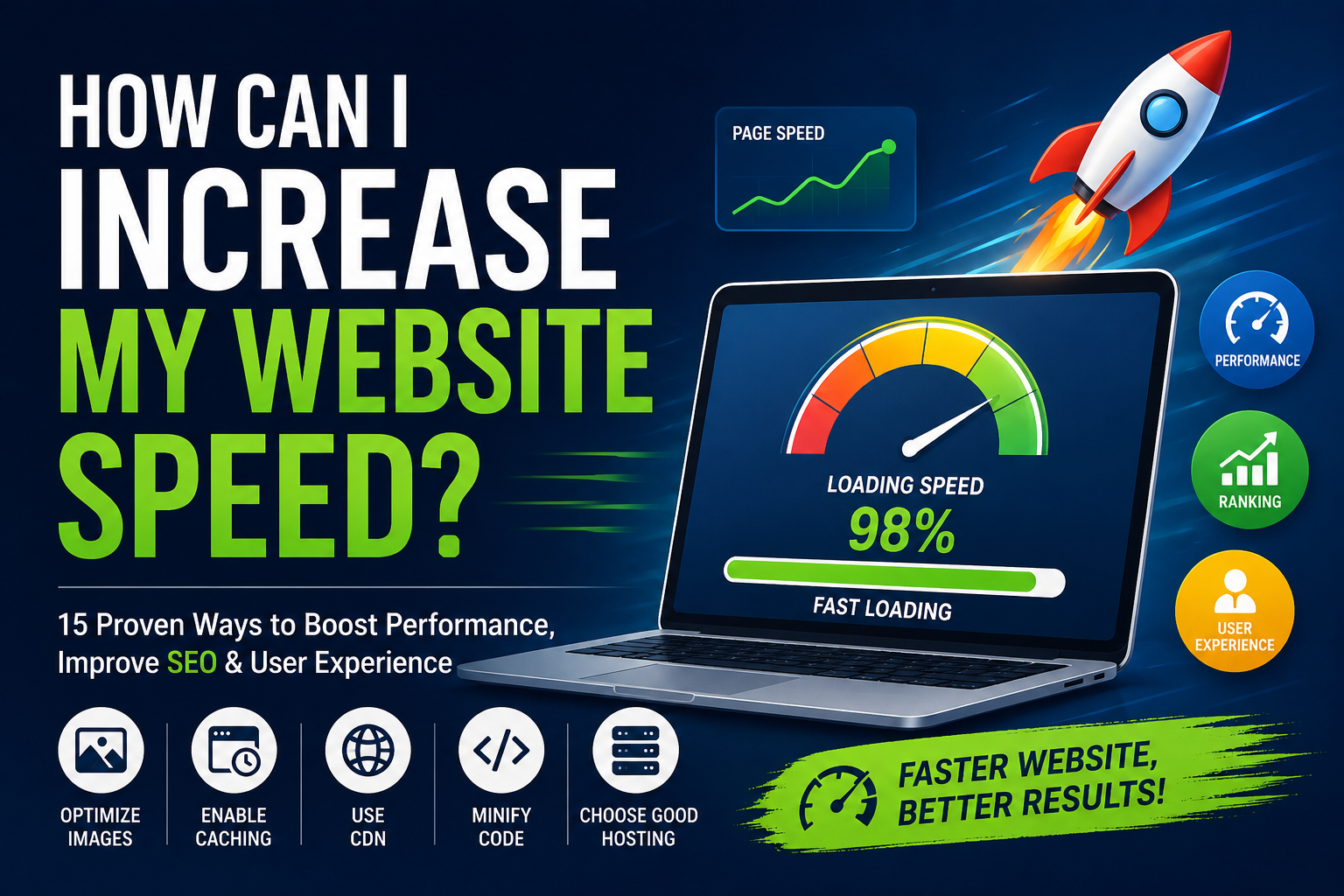
If you’ve been asking, “How can I increase my website speed?”, you’re in the right place. In this guide, I’ll walk you through practical, proven techniques I’ve personally researched and tested to help websites load faster without sacrificing quality.
Why Website Speed Matters
Website speed affects much more than patience.
A slow website can lead to:
- Higher bounce rates
- Lower search engine rankings
- Poor user experience
- Fewer sales and conversions
- Reduced customer trust
Imagine walking into a store where the doors take ten seconds to open. Chances are, you’d leave before seeing what’s inside. Visitors treat slow websites the same way.
Fast-loading websites create confidence and encourage users to explore more pages.
Read More: How Do Foldable Phone Screens Work?
What Causes a Slow Website?
Before fixing a slow website, it’s important to understand what’s slowing it down.
Common causes include:
- Large image files
- Poor-quality web hosting
- Too many plugins
- Unoptimized code
- Excessive JavaScript
- Slow databases
- Too many HTTP requests
- No browser caching
- Lack of a Content Delivery Network (CDN)
In my experience, it’s rarely just one issue. Most slow websites suffer from several small performance problems that add up.
1. Choose High-Quality Web Hosting
Your hosting provider forms the foundation of your website’s performance.
Cheap hosting plans often place hundreds of websites on the same server, causing slower loading speeds during busy periods.
Reliable hosting providers like SiteGround, Cloudways, Kinsta, WP Engine, and Hostinger offer faster infrastructure, SSD storage, and optimized server environments.
When I migrated one of my websites from an inexpensive shared host to a managed hosting platform, page load times dropped noticeably without changing a single design element.
2. Optimize Your Images
Images are often the biggest reason websites load slowly.
Instead of uploading massive files directly from your camera, optimize them first.
Best practices include:
- Resize images before uploading
- Compress images without noticeable quality loss
- Use modern formats like WebP
- Enable lazy loading
Free tools such as TinyPNG, Squoosh, and ImageOptim make image optimization incredibly easy.
One oversized homepage banner can sometimes be larger than the rest of your page combined.
3. Enable Browser Caching
Browser caching stores parts of your website on a visitor’s device.
The next time they visit, their browser doesn’t need to download everything again.
Benefits include:
- Faster repeat visits
- Reduced server load
- Better user experience
Most caching plugins make this process simple, especially for WordPress users.
4. Use a Content Delivery Network (CDN)
A CDN stores copies of your website across servers around the world.
Instead of every visitor connecting to one server, they receive content from the nearest location.
Popular CDN providers include:
- Cloudflare
- Bunny.net
- Amazon CloudFront
- Fastly
I was surprised how much a CDN improved loading times for international visitors. It made the site feel noticeably faster, even for users thousands of miles away.
5. Minify CSS, JavaScript, and HTML
Every website contains code that browsers must download.
Minification removes unnecessary spaces, comments, and formatting while keeping the code functional.
The result?
Smaller files and faster loading times.
Many optimization plugins automate this process with just a few clicks.
6. Reduce the Number of Plugins
More plugins don’t always mean a better website.
I’ve seen websites running more than 50 plugins, many performing similar tasks.
Ask yourself:
- Is this plugin necessary?
- Can another plugin replace multiple tools?
- Is it actively maintained?
Removing unused plugins reduces both loading time and security risks.
7. Enable Gzip or Brotli Compression
Compression reduces file sizes before they’re sent to visitors.
Think of it like compressing a ZIP folder before emailing it.
Modern servers often support:
- Gzip compression
- Brotli compression
These technologies reduce bandwidth usage while improving loading speed.
8. Optimize Your Database
Over time, website databases collect unnecessary information.
Examples include:
- Spam comments
- Old revisions
- Expired transients
- Temporary data
Cleaning your database regularly helps your website respond faster.
For WordPress users, plugins like WP-Optimize can automate much of this maintenance.
9. Remove Unnecessary Scripts
Many websites load scripts that visitors never use.
Examples include:
- Extra fonts
- Social media widgets
- Third-party tracking tools
- Chat widgets
- Marketing scripts
Each additional script increases loading time.
I periodically audit every script on my websites, and I’m always surprised by how many outdated services remain active long after they’re no longer useful.
10. Use Lazy Loading
Lazy loading delays loading images and videos until visitors scroll near them.
Instead of downloading everything immediately, your website only loads what’s needed.
Benefits include:
- Faster initial page loads
- Lower bandwidth usage
- Improved mobile performance
11. Optimize for Mobile Devices
Most web traffic now comes from smartphones.
A website that performs well on desktop may still struggle on mobile.
Check:
- Responsive design
- Mobile image sizes
- Font readability
- Touch-friendly navigation
Always test your website on multiple devices rather than assuming it works perfectly.
12. Monitor Your Website Speed
Optimization isn’t a one-time project.
I regularly test websites using tools like:
- Google PageSpeed Insights
- GTmetrix
- Pingdom Website Speed Test
- WebPageTest
These tools identify bottlenecks and recommend improvements based on real performance data.
13. Reduce Redirects
Every redirect adds another request before a page loads.
Too many redirects create unnecessary delays.
Review your website regularly to eliminate outdated redirect chains whenever possible.
14. Keep Everything Updated
Outdated software can reduce performance and create security vulnerabilities.
Update regularly:
- CMS
- Themes
- Plugins
- PHP version
Performance improvements are often included in newer releases.
15. Use Lightweight Themes
Some website themes include hundreds of features you’ll never use.
Lightweight themes generally load much faster.
Popular performance-focused themes include:
- GeneratePress
- Astra
- Kadence
- Blocksy
Simple designs often outperform flashy ones in both speed and user experience.
My Personal Website Speed Checklist
Whenever I optimize a website, I follow this routine:
- Test current speed.
- Compress every image.
- Enable caching.
- Activate a CDN.
- Remove unnecessary plugins.
- Update software.
- Minify code.
- Check Core Web Vitals.
- Test again.
This process usually delivers measurable improvements without requiring advanced technical knowledge.
Common Website Speed Mistakes
Avoid these common pitfalls:
- Uploading huge images directly from smartphones
- Installing every plugin that looks useful
- Ignoring mobile optimization
- Choosing hosting based only on price
- Never testing performance
- Using too many animations
Small improvements across multiple areas usually outperform one major optimization.
Quick Website Speed Tips
If you’re short on time, start here:
- Compress all images.
- Use quality hosting.
- Install a caching solution.
- Enable a CDN.
- Remove unused plugins.
- Test your website monthly.
- Optimize for mobile first.
Even implementing just these basics can noticeably improve performance.
Frequently Asked Questions
How fast should a website load?
Ideally, your website should load in under three seconds. Faster is even better, especially for mobile users.
Does website speed affect SEO?
Yes. While content quality remains essential, page speed and overall user experience are factors that can influence search rankings.
What’s the easiest way to improve website speed?
Start by optimizing images, enabling caching, choosing reliable hosting, and reducing unnecessary plugins. These changes often provide the biggest performance gains with minimal effort.
Can too many plugins slow down my website?
Absolutely. Each plugin can add code, database queries, or external requests. Keeping only the plugins you truly need helps improve speed and maintainability.
Conclusion
Improving website speed isn’t about chasing perfect benchmark scores—it’s about creating a faster, smoother experience for your visitors. Every optimization, whether it’s compressing images, upgrading your hosting, enabling caching, or cleaning up unnecessary scripts, contributes to a website that users enjoy and search engines appreciate.
From my own experience, the biggest improvements rarely come from a single change. Instead, they’re the result of several smart optimizations working together. The good news is that you don’t need to be a developer to make meaningful progress. Start with the basics, measure your results, and continue refining your site over time.
While some advanced optimizations may require technical knowledge, the majority of website owners can dramatically improve loading times by following the strategies outlined above.
Have you recently optimized your website’s speed? I’d love to hear which techniques worked best for you or what challenges you’re still facing. Share your experience and join the conversation!